
Fewer “what was that song?” moments
Grand entrance, first dance, and parent dances arrive as searchable tracks, not vague descriptions.
Couples search Spotify (with previews) for must-play and do-not-play lists. Moment songs in the questionnaire stay synced with the music page.
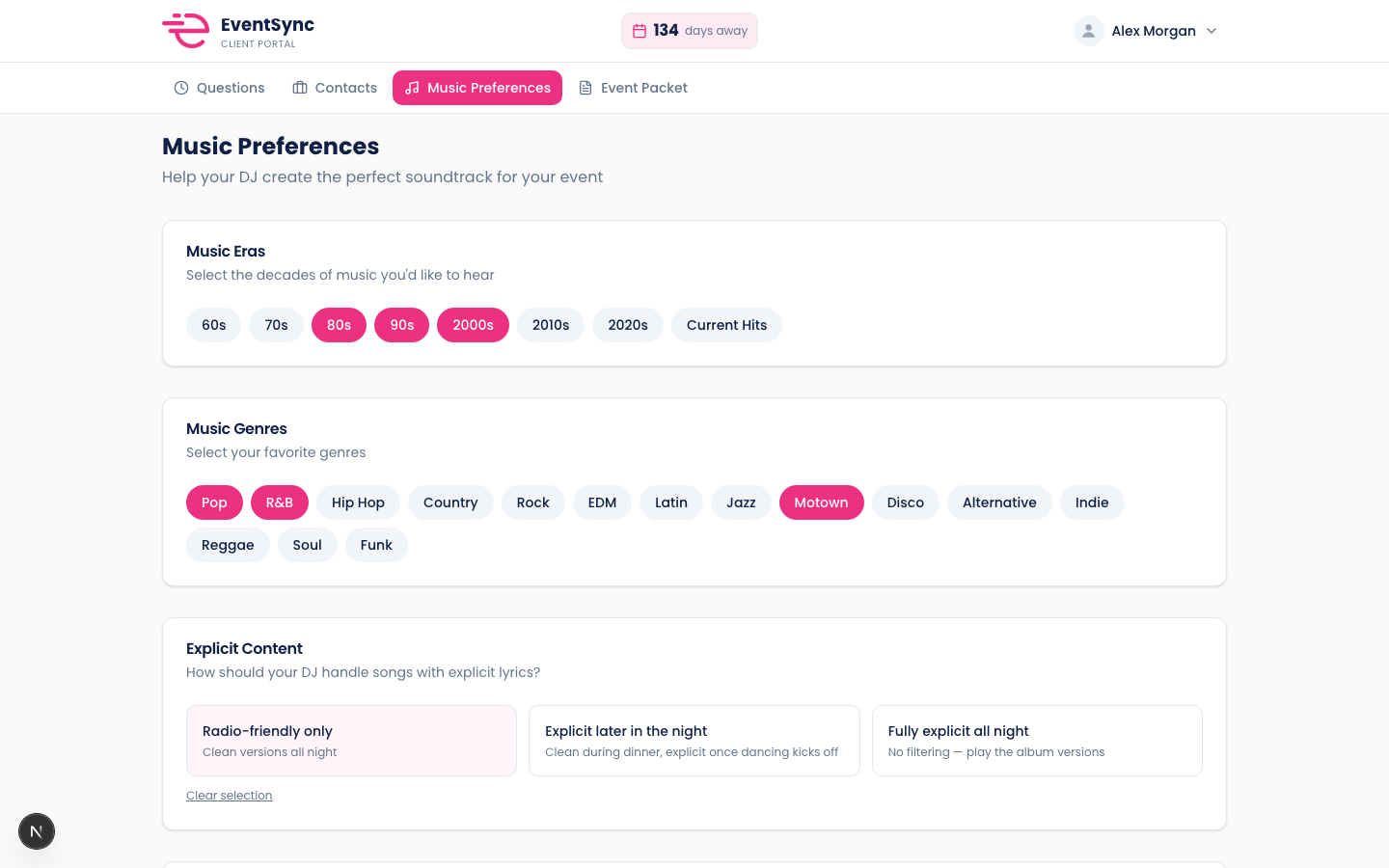
Less guessing what the tool does. Here is the outcome you get on a real booking.
Grand entrance, first dance, and parent dances arrive as searchable tracks, not vague descriptions.
Update on the DJ side or couple side; the booking stays consistent.
Song rows show as pink pills with cues on the schedule you print.
They search, preview, and save must-plays and do-not-plays in the portal.
Ceremony and reception questions capture the right song per moment.
Music prefs and timeline songs align before you load Rekordbox.
50% off your first month, unlimited events, 14-day money-back guarantee. Set up in minutes.
Get 50% off your first month