
Prep without tab hopping
Review ceremony, party, and reception details from one booking view.
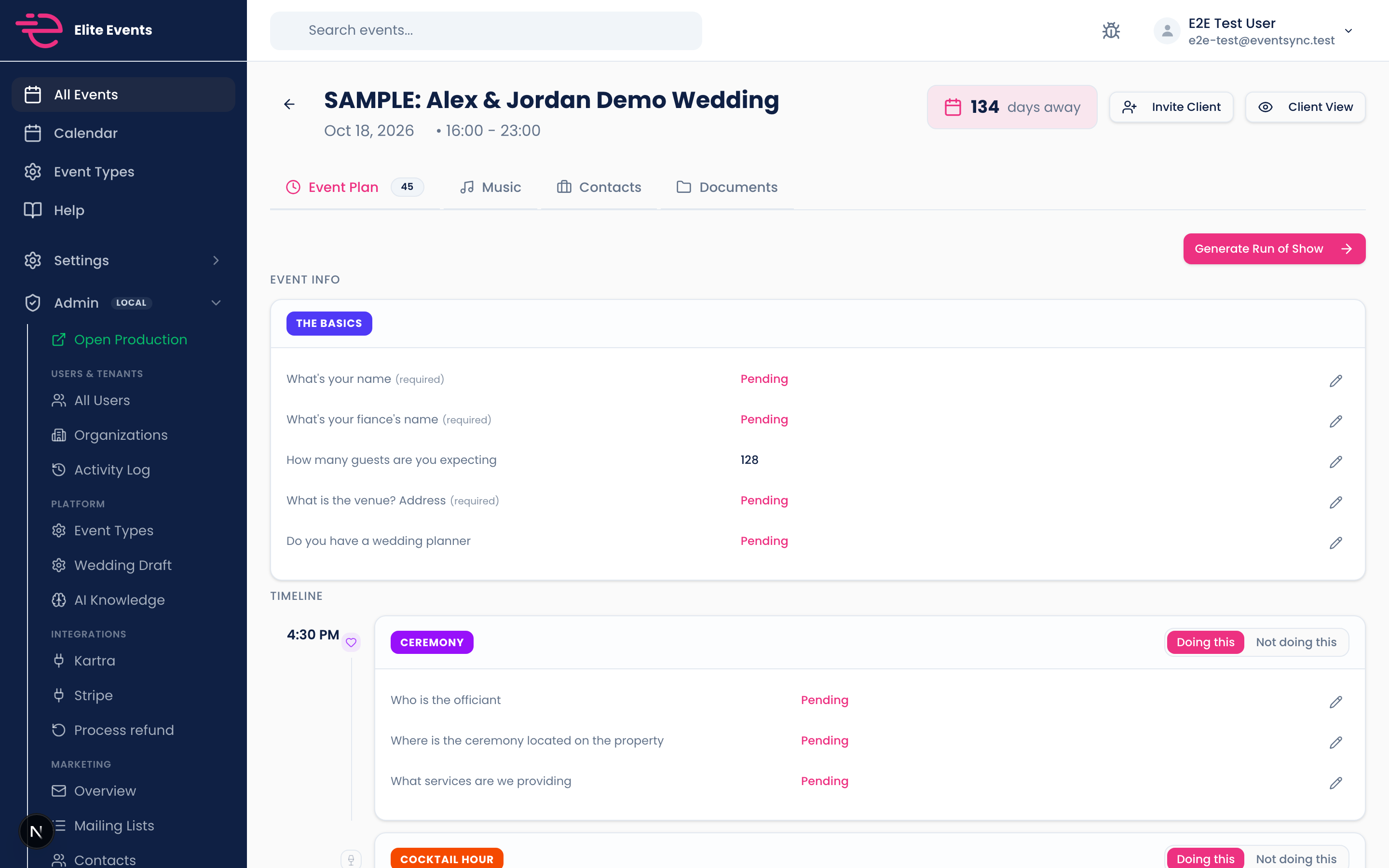
The Event Plan tab on each booking gives you a section-by-section view of the timeline with editable times, song cards with previews, and questionnaire answers inline.
Less guessing what the tool does. Here is the outcome you get on a real booking.
Review ceremony, party, and reception details from one booking view.
Edit a section start time and the schedule reconciles everywhere.
Event Plan, run of show, and print preview read the same reconciled timeline.
Land on Event Plan to see how the day is shaping up.
Tweak times, scan songs, and read section answers.
When you are gig-ready, open print preview from the same data.
50% off your first month, unlimited events, 14-day money-back guarantee. Set up in minutes.
Get 50% off your first month