
Respect the planner’s work
Start from what the couple already paid a planner to produce, then adjust for how you run events.
Drop in the timeline PDF couples and planners already send you. EventSync extracts times, moments, songs, and notes so you are not retyping everything.
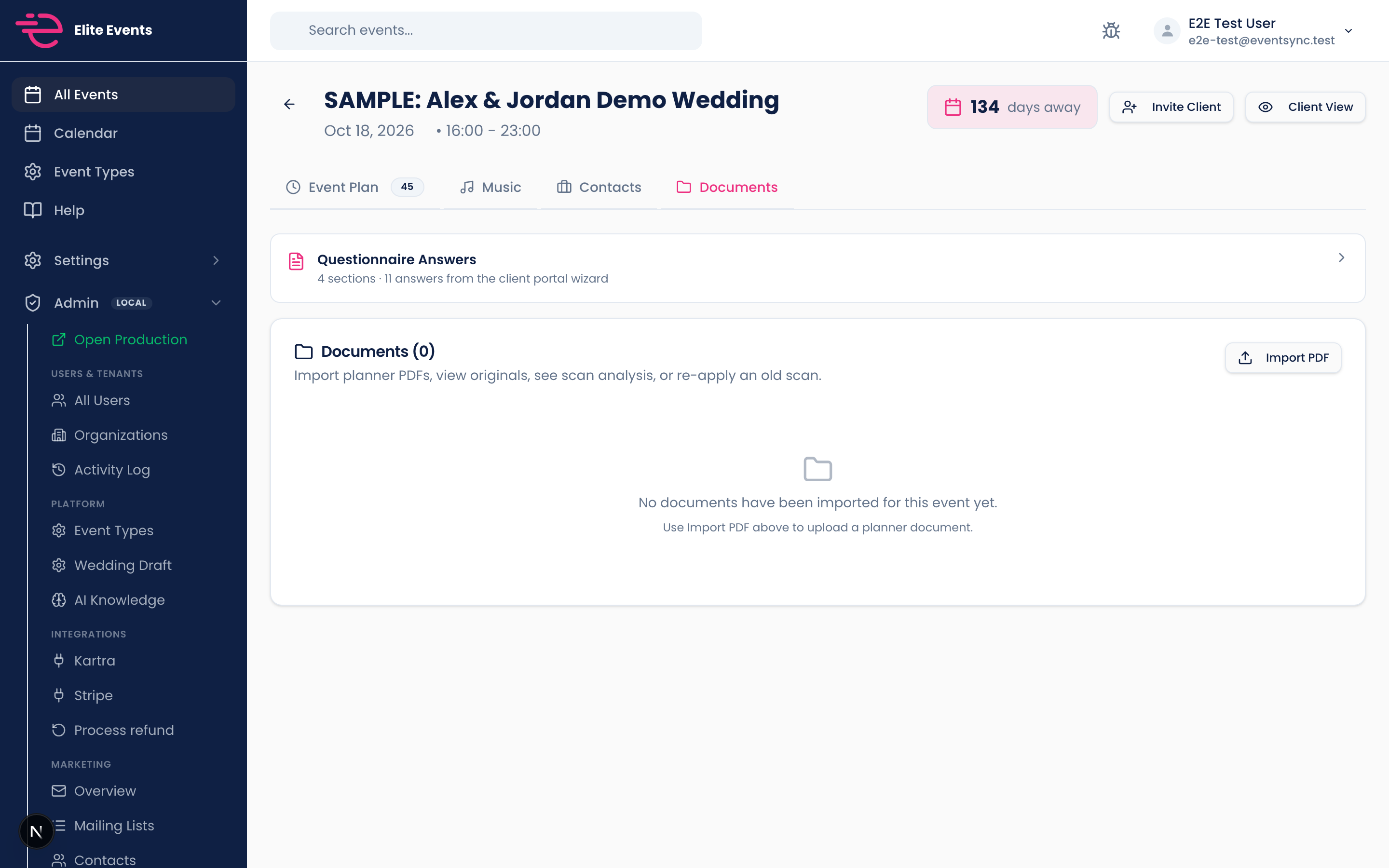
Less guessing what the tool does. Here is the outcome you get on a real booking.
Start from what the couple already paid a planner to produce, then adjust for how you run events.
See validation flags when times look off or critical moments are missing before event day.
Imported rows live beside questionnaire answers so your run of show reflects the full picture.
Attach the planner timeline from the booking detail or timeline tab.
Scan moments, fix anything off, and merge with couple answers.
Move straight into print preview with a schedule you did not build from scratch.
50% off your first month, unlimited events, 14-day money-back guarantee. Set up in minutes.
Get 50% off your first month